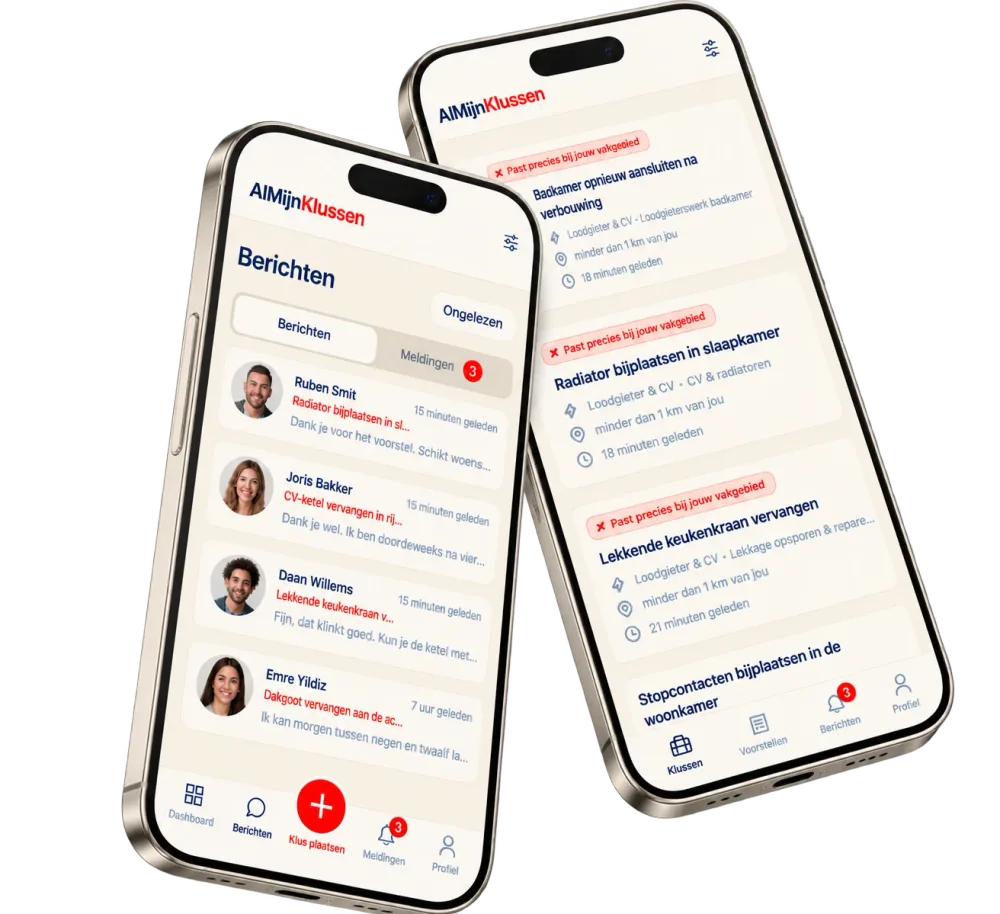
AlMijnKlussen on your phone
No app store needed. Add almijnklussen.nl to your home screen as an app: your jobs, proposals and messages are then one tap away.
iPhone or iPad (Safari)
- Open this page in Safari.
- Tap the share button at the bottom (the square with the arrow up).
- Scroll down — tap ‘More’ if needed — and choose ‘Add to Home Screen’.
- Tap ‘Add’. The AlMijnKlussen icon is now on your home screen.
Android (Chrome)
- Open this page in Chrome.
- Tap the menu (⋮) at the top right.
- Choose ‘Add to Home screen’ or ‘Install app’.
- Confirm. The icon is now on your home screen.
On a computer? Open this page on your phone: www.almijnklussen.nl/app